
How to Spot a Phishing Email
Fake emails are the number one way attackers get in. Here are the signs that give them away.
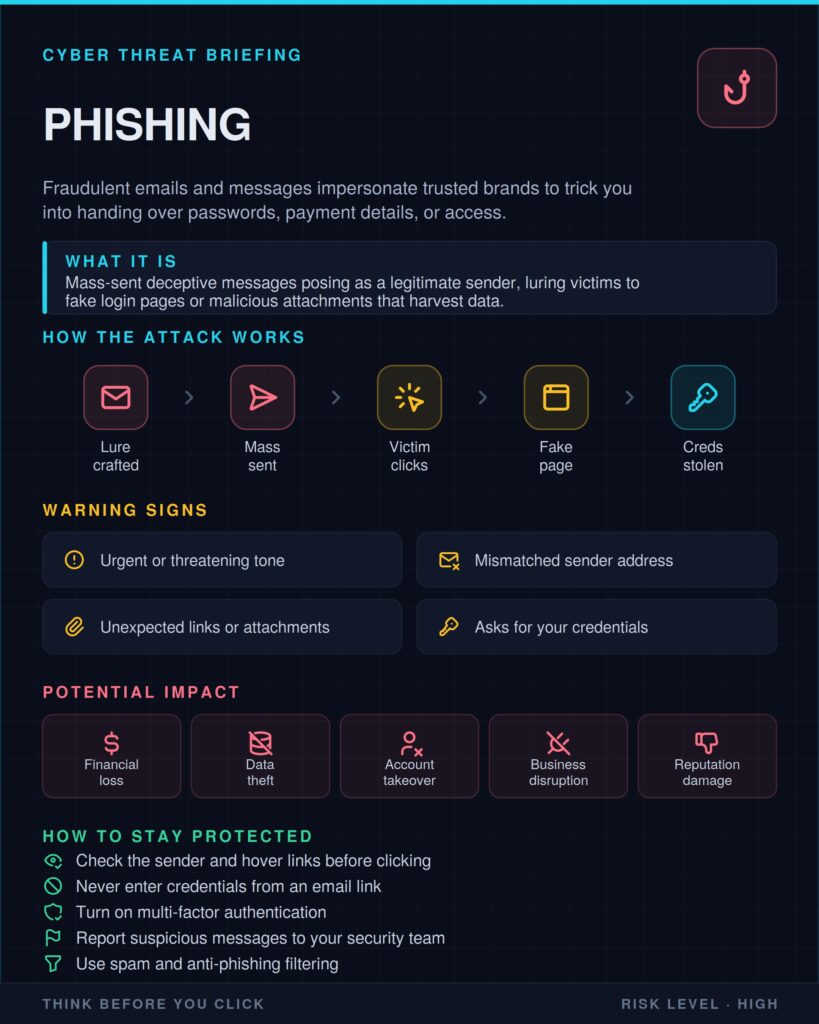
Phishing is a fake message, usually an email, designed to make you click a link, open an attachment or type in your password. It is the most common way businesses get hacked.
How it works
The attacker copies the look of a company you trust, such as your bank, a courier or Microsoft. The message creates urgency (“your account will be closed today”) so you act before thinking. The link leads to a fake login page that sends your details straight to the attacker.
Signs of a phishing email
- The sender’s address doesn’t match the company’s real domain
- Urgent threats or prizes that seem too good to be true
- Links that show a strange address when you hover over them
- Unexpected attachments, especially .zip, .exe or Office files asking to “enable content”
- Spelling mistakes and generic greetings like “Dear customer”
What to do
- Don’t click. Go to the company’s website by typing the address yourself
- Call the sender on a number you already know
- Report the email and delete it
When an email pushes you to act fast, slow down and check it another way.